

iDPRT Portable Thermal Printer, 300DPI Inkless-Bluetooth Small Mobile Printers Wireless for Travel, Office, Vehicles, Home Use, Supports 8.5″ x 11″ US Letter, A4 A5, Compatible with iOS, Android, PC
Original price was: $75.99.$61.99Current price is: $61.99.




Product Description
iDPRT MT610 PRO Portable Printer Wireless for Travel
The video showcases the product in use.The video guides you through product setup.The video compares multiple products.The video shows the product being unpacked. MT610pro Printer Merchant Video
Mobile & Computer Connection How to Pair Your Printer with a Phone via Bluetooth
Step 1: Download the “HerePrint” app
Step 2: Turn on the MT610 pro, turn on the Bluetooth of the smartphone and make a Bluetooth connection in the APP
Step 3: click the “+” sign on the APP to add MT610 printer and start printing
Note: Supports black-and-white printing exclusively and requires thermal paper
The video showcases the product in use.The video guides you through product setup.The video compares multiple products.The video shows the product being unpacked. MT610 pro Printer Merchant Video
How to connect the printer to your computer using a USB cable
Step 1: Connect the portable printers to your PC with the USB-cable
Step 2: Install the printer driver from the iDPRT website
Step 3: Select the “iDPRT MT610 Pro – xxx” in the printer list and start printing
Note: Supports black-and-white printing exclusively and requires thermal paper
The video showcases the product in use.The video guides you through product setup.The video compares multiple products.The video shows the product being unpacked. MT610PRO Printer Merchant Video


1 Large Battery Capacity
2 Inkless Printing
3 Print Multiple Types
Print Anytime and Anywhere 

How do I print from my phone?
Step 1: Download the “HerePrint” app
Step 2: Turn on the MT610 pro, turn on the Bluetooth of the smartphone and make a Bluetooth connection in the APP
Step 3: click the “+” sign on the APP to add MT610 printer and start printing
How do I print from my computer?
Step 1: Connect the portable printers to your PC with the USB-cable
Step 2: Install the printer driver from the iDPRT website
Step 3: Select the “iDPRT MT610 Pro – xxx” in the printer list and start printing
Should I hook up the printer via USB first before installing the driver?
Yes, you’ll need to connect the printer to your computer via USB first, then install the driver.
Does the printer come with thermal paper?
Yes,the package contains 10 sheets of thermal paper in US Letter size.
Why is the printing coming out incomplete?
Ensure the paper is loaded correctly
Check your App or computer’s print settings to confirm the selected paper size matches the physical paper in your printer
More Portable Thermal Printer Options
Add to Cart
Add to Cart
Customer Reviews
4.0 out of 5 stars 22
4.0 out of 5 stars 22
4.3 out of 5 stars 31
4.3 out of 5 stars 31
3.1 out of 5 stars 17
Price
$61.99$61.99
$61.99$61.99
$16.99$16.99
$16.99$16.99
$19.99$19.99
Printer Technology
Thermal
Thermal
Thermal
Thermal
Thermal
Print Size
US Letter/A4/A5/4 in
US Letter/A4/A5/4 in
2 in
2 in
2 in
Connectivity Technology
Bluetooth & USB
Bluetooth & USB
Bluetooth
Bluetooth
Bluetooth
Compatible Devices
Andriod, iOS, Windows, Mac OS
Andriod, iOS, Windows, Mac OS
Smartphones
Smartphones
Smartphones
Printing Resolution
300 DPI
300 DPI
203 DPI
203 DPI
203 DPI
Printer Output
Black
Black
Black
Black
Black
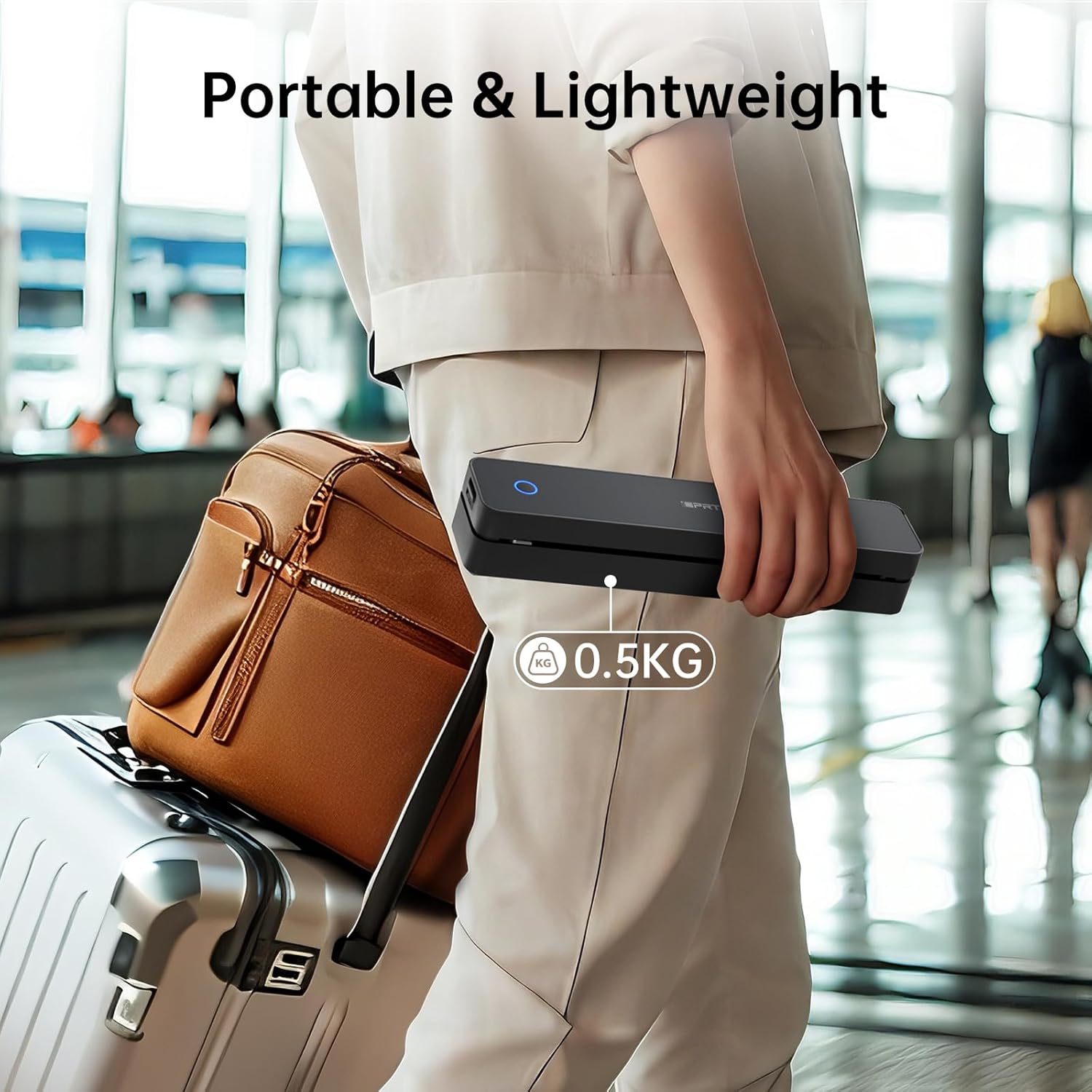
Portable Printer: This lightweight iDPRT MT610 Pro thermal printer weighs only 1.1 lbs (500g) and measuring 10.2 x 2.2 x 1.8 inches, Its compact design fits easily into backpacks, the small printer is perfect for travel, office, school and home use, easily print your documents or your child’s homework even when you’re on the go
Advanced Inkless Technology: Enjoy fast, high-definition printing at 300 DPI resolution. This inkless printer requires no ink, toner, or ribbons—producing US letter/A4 prints in just 4-6 seconds(Note: Only thermal paper print is supported). Upgrade now to start a new efficient and convenient printing experience
Universal Device Compatibility: This Bluetooth printer connects seamlessly via Bluetooth or USB. It is compatible with phones (iOS, Android) and laptops (macOS, Windows, Linux, Chrome OS). The “HerePrint” app makes mobile printing effortless (download from the App Store or Google Play)
Large Capacity Battery: This portable thermal printer equipped with a 2000mAh rechargeable battery, supports up to 4 hours of continuous printing or 240 pages on a single charge, making it perfect for use at home or even in your car. Reliable, convenient, and always ready when you need it
Easy to Use: The iDPRT MT610 Pro wireless portable printer offers both Bluetooth and USB connectivity for flexible printing. Phone printing can connect via Bluetooth, download the “HerePrint” app from the App Store or Google Play, power on the portable inkless printer, enable Bluetooth on your mobile device, and pair the MT610 Pro through the app. PC printing just connect via USB cable, install the driver from the iDPRT website, and start printing




There are no reviews yet.