


Whether you just got your first Mac or upgraded to a new machine, it’s always helpful to start with the right set of tools. When I get a new Mac, the first apps I always install are:
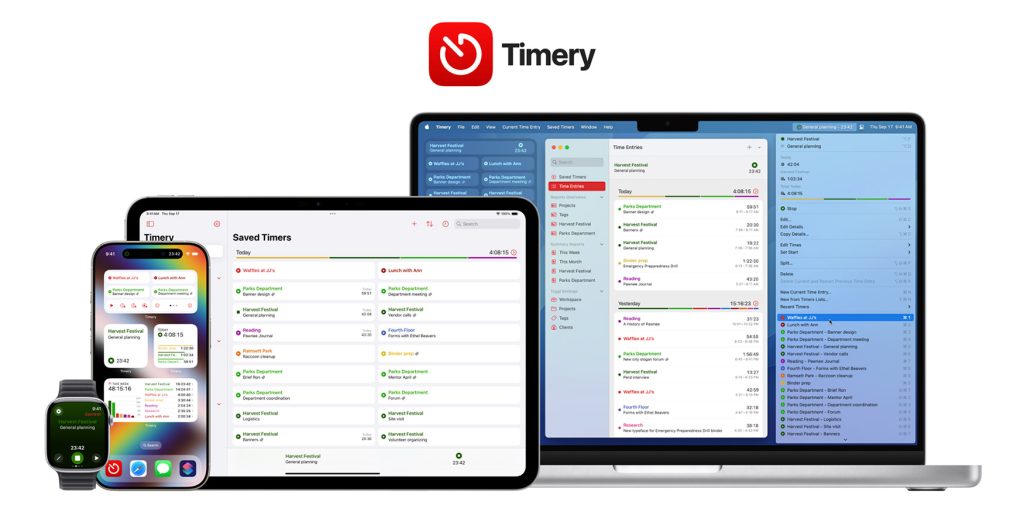
I track every second I spend at work. I’ve been doing this for years and it’s been essential to understanding exactly how much time each task category requires. This allows you to better plan your day when new projects arise or something unexpected happens.
I discovered Toggl many years ago when it still had its own iOS and Mac apps. That’s why I downloaded Timery, connected it to my Toggl account, and never looked back. Timery’s menu bar and widgets let you quickly select from your favorites and saved timers, adjust start and end times, and monitor the elapsed time of your current task.
When it comes to time reports, your mileage may vary, but Timery gives you exactly what you need to check with daily, weekly, monthly, and even yearly graphs and charts. Timery also offers an iOS app that works in sync with the Mac app. Despite Toggl’s recent API limitations, we haven’t seen any significant impact on Timery usage, and we can’t recommend this combination enough.
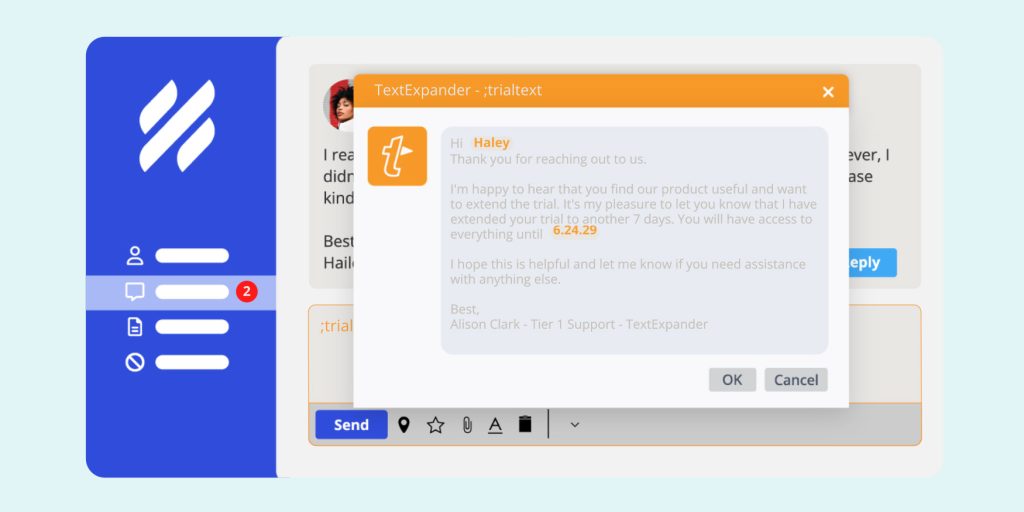
macOS has come a long way in its keyboard shortcut capabilities over the years, but I still can’t quit TextExpander. The variable support alone is more than worth the annual subscription fee for TextExpander for me. Because it’s the best way to quickly respond to emails, fill out forms, prepare podcast summaries, read sponsorships, and more.
If you’re new to Mac, check out the native macOS keyboard shortcuts feature. However, if you feel like you need a more customizable set of features than what Apple’s native features offer, TextExpander is definitely your friend.
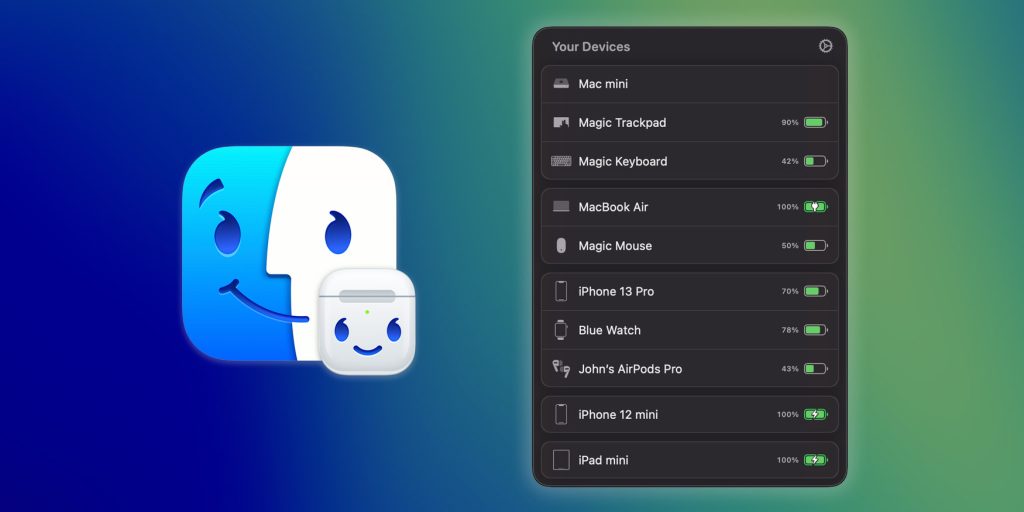
Developer Gui Rambo’s AirBuddy started life as an AirPods companion for the Mac, but has evolved to include shortcuts and automation for multiple Bluetooth-enabled devices, including non-Apple hardware, like my Logitech MX Master mouse.
From low-battery warnings to keyboard shortcuts that let you adjust Mac settings like input selection and toggling Night Shift, AirBuddy makes your Mac feel broken when it’s not running.
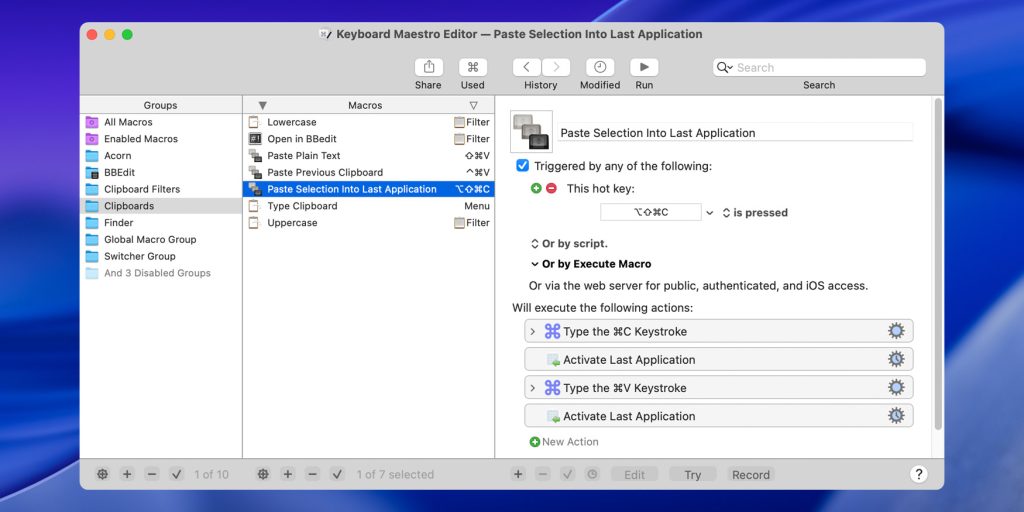
This is actually the first app I install right away when I need to set up a new Mac.
Most of my automation is done on Keyboard Maestro, including starting a new QuickTime recording session every time I plug in a particular USB-C microphone, getting chapter timestamps and titles from Ulysses and dropping them as multiple Adobe Audition markers, and quickly opening the clipboard history (which is now a native tool in macOS, but old habits persist).
Keyboard Maestro can feel a little overwhelming at first, but if you feel like you need a hand to understand everything it can do, I can’t recommend David Sparks’ Keyboard Maestro Field Guide highly enough. Keyboard Maestro also has a vibrant community that is always ready to help.
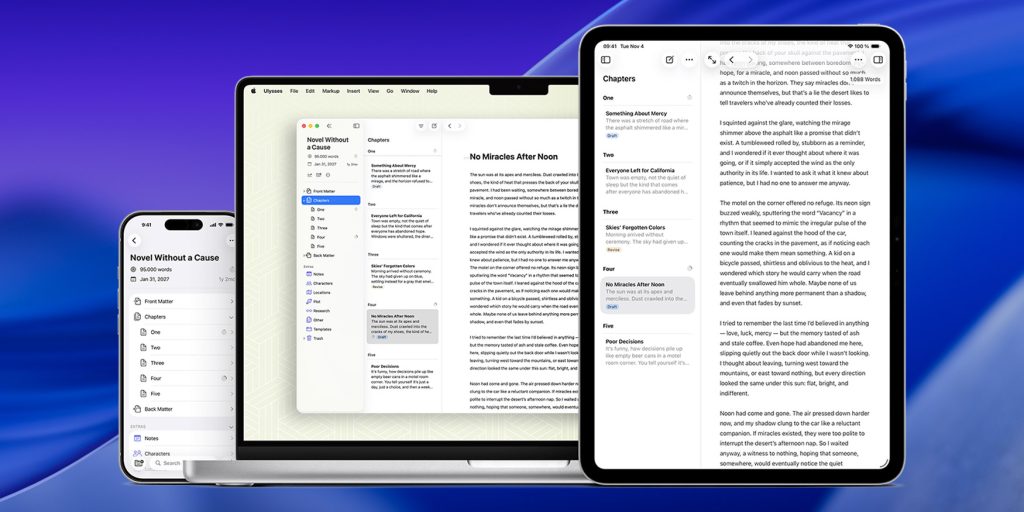
I’ve tried almost every writing tool and app under the sun, old and new, classic, basic, and advanced.
Drafts, Bear, Notion, Apple Notes, Obsidian, Evernote, iA Writer, Scrivener, DEVONthink, and many others offer some very interesting tools and features, but Ulysses is the only one that really clicked for me.
It doesn’t get in the way as I expected so I can focus on the writing task at hand. It comes with a handy dashboard, suggestion creation, markdown support, and style customization. My preferred way of working is to go full screen with no top bar, sidebar, or bottom bar.
What is Mac Starter Pack? Let us know in the comments.
Accessories sale on Amazon





