

Single Din Car Radio with Carplay & Android Auto,7 Inch Manual Flip Out Screen Car Stereo with Bluetooth,Mirror Link,Backup Camera,Support FM/AUX
$69.99





Product Description

Why Drivers Love It:
Stay Focused: Use voice commands to play music, send messages, or make calls—no distractions.Always Connected: Auto-reconnects to your phone so you never miss a beat (or a turn!).Compact & Reliable: Sleek design fits discreetly in your car, with stable connectivity for long trips.

Dual Compatibility
Effortlessly connect both Apple CarPlay and Android Auto to your car’s system. Perfect for iOS and Android users.Car radio will enter carplay or Android auto function by default when you insert USB cable at the first time.
Voice Command Ready
“Hey Siri” or “Hi Google” integration allows hands-free music, calls, and messaging—keep your eyes on the road.

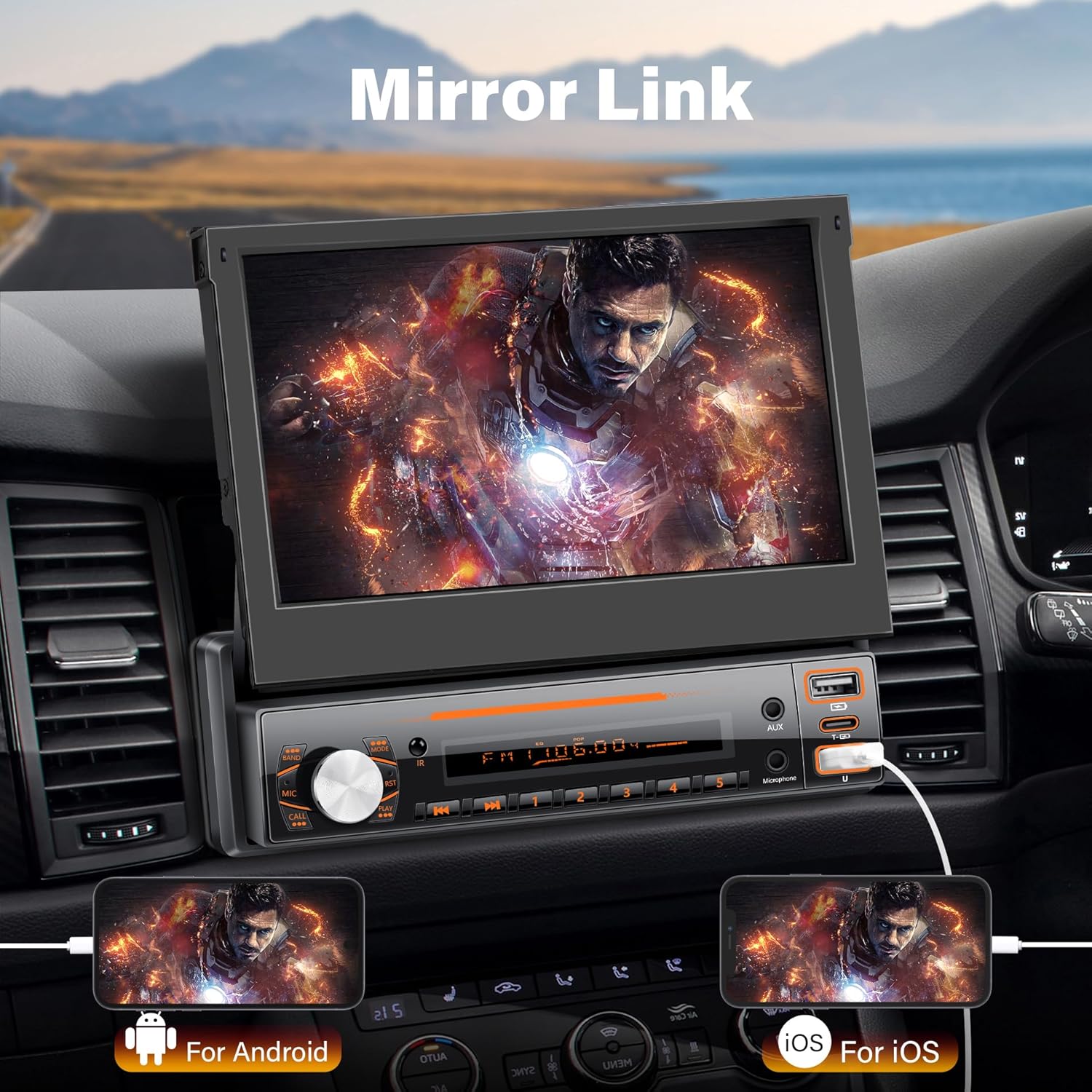
Using mirror link function to sync your smartphone to the 7 inch screen and enjoy the functions from your phone such as maps, movies and more.
The 7 inch touch screen will show to reverse image automatically when your car in reverse gear.

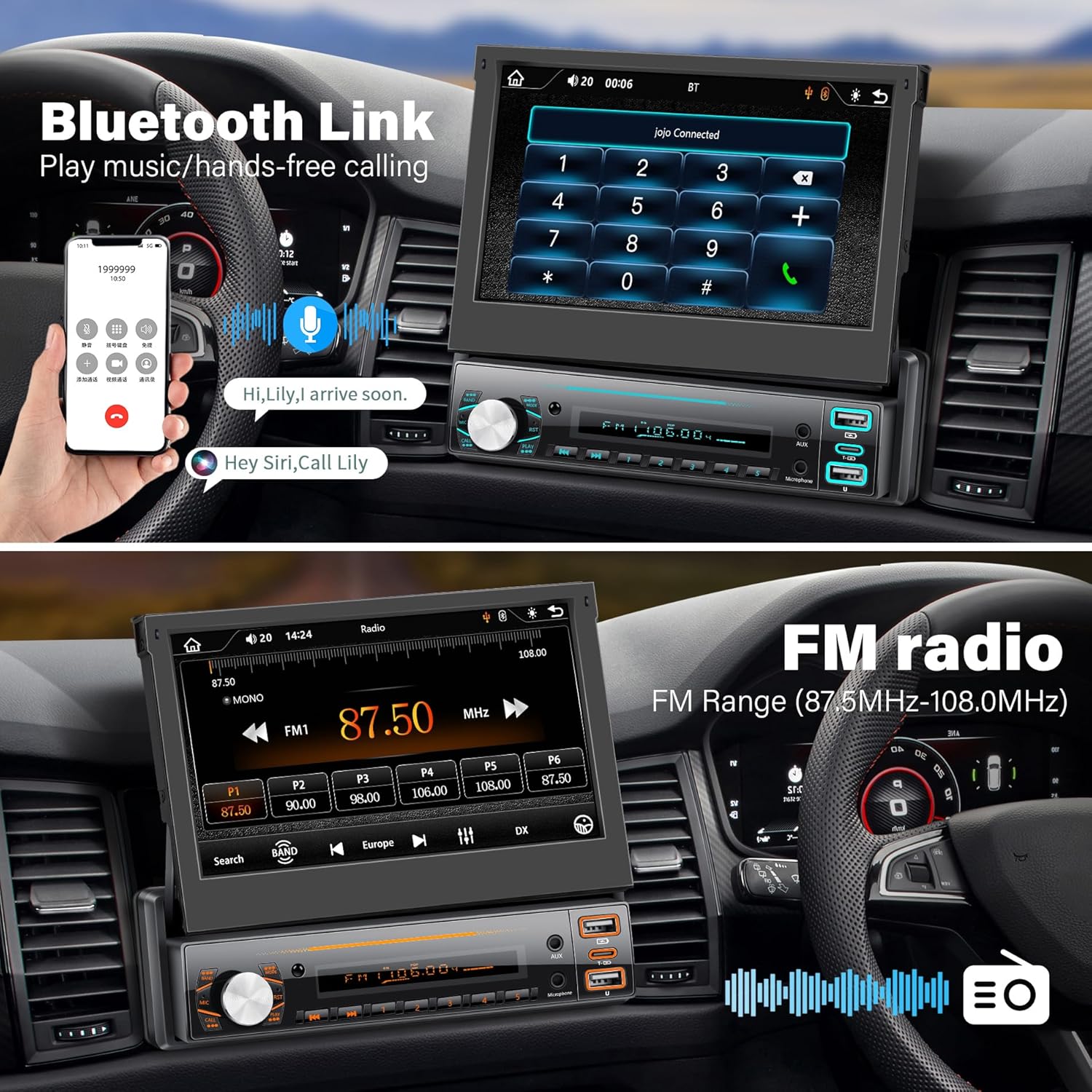
Compatible with Bluetooth, just turn on the radio or connect to your phone via Bluetooth, you can enjoy your favorite music right now, and manage your calls for a truly hands-free experience

Full electronic digital search radio station, high performance digital tuning FM radio automatic scanning, 18 radio storageWith FM radio function, you can listen to real-time radio, weather forecast, news so that your driving is no longer boring
Variety of sound adjustment: Classic, Rock, Jazz, Pop, Flat, User.Left and right balance, front and rear sound field.

1. Can’t turn on the power?
If you are experiencing this problem, please check the wiring. First, you need to use the wiring harness that comes with the device. The yellow wire needs to be connected to the positive terminal of the battery, the black wire needs to be connected to the negative terminal of the battery, and then the red wire needs to be connected to your ACC (automobile keyhole) to make sure that your product has enough power supply, and the correct connection of each wiring can ensure the normal use of the product.
2. Device always on? Car off device still working?
First, you need to use the wiring harness that comes with the device. The red wire needs to be connected to your ACC (car keyhole) to ensure that when your car is turned off, the machine is also turned off.
3. Can’t connect to Bluetooth?
Please delete your phone’s Bluetooth record and re-match the connection.

1.Can’t use the carplay function
The type-c data port function is for charging, and cannot be used to transfer data and use the carplay function. If you need to use the carplay function, please use the USB cable to connect the machine.
2.Can’t use the memory function? Cannot save channels?
If the ACC wire (red wire) and B+ wire (yellow wire) are reversed during installation, the product will have no memory function after power off. If the yellow wire (memory wire) is connected to the positive terminal of the battery constant current, the machine will have the memory function.
3.The machine is stuck? The content is not responding?
If you encounter this situation, we suggest you try to poke the RST hole with a needle for more than three seconds, this function will restore your machine to factory settings, please save the data before use.
LSLYA has professional technical team, please tell us if you have any questions, we’ll reply and solve it for you immediately.
🚗【Apple Carplay and Android Auto】7 inch manual flip screen car stereo, compatible with Apple Carplay and Android Auto, simply connect your phone to your car speakers via USB cable to access your phone’s contacts, emails, notifications, maps and navigation, play music.
🚗【Mirror Link and Reversing Camera】This single row seat car stereo is equipped with a reversing camera, after the car radio is connected to the reversing camera, once you put it into reverse gear, the car stereo touch screen will automatically display the reversing camera, which makes your daily parking safer. Mirror Link synchronizes your cell phone’s screen to the screen of your single row seat car radio, just connect it via USB cable.
🚗【Support Bluetooth/FM/AUX 】You can answer calls via Bluetooth and use the hands-free function while driving. FM radio with preset stations allows you to listen to real-time traffic, weather forecast, news, etc. Turn on the FM interface and turn the single din car radio and the car’s own radio to the same channel to transmit the audio. You can also use an AUX cable to link the car’s own radio to transmit audio.
🚗【TF/USB】The USB port on the side of the single din car radio supports charging of the phone and also supports audio transfer from a USB stick. the TF card slot supports audio transfer from a TF card.
🚗【Customer Service】Before installation, please check the detailed wiring diagram in the picture and use our included wiring harness to connect correctly to avoid unavailability. If you have any questions, please feel free to contact us, we are happy to provide you with help and good service.




There are no reviews yet.